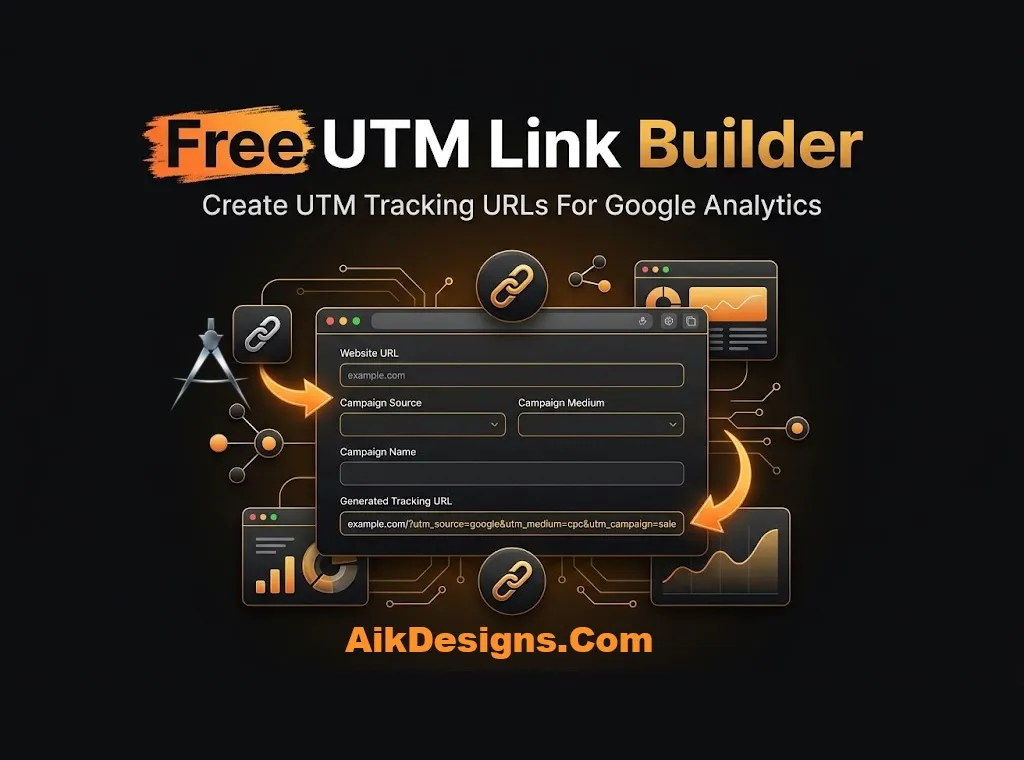
Free UTM Link Builder
Want to know which campaign sends you traffic? This free UTM link builder adds tracking tags to any URL so Google Analytics shows where each visit came from. Fill in the fields, build the link and copy it.
What Are UTM Parameters?
UTM parameters are short tags added to the end of a URL. When someone clicks the link, analytics tools read the tags and report the source, medium and campaign. There are five: utm_source, utm_medium, utm_campaign, utm_term and utm_content.
How To Build A UTM Link
- Enter the page URL you want to promote.
- Fill in source, medium and campaign name. Term and content are optional.
- Click Build UTM Link.
- Copy the link and use it in your ad, email or social post.
UTM Best Practices
- Use one naming style and keep it lowercase, so Facebook and facebook do not appear as two sources.
- Do not add UTM tags to internal links on your own site. They can break session tracking.
- Use clear medium values such as email, social and cpc.
- Keep a simple sheet of the names you use so your team stays consistent.
More Free SEO Tools
Try these tools next: Open Graph Tag Generator, URL Slug Generator. You can also browse all our free SEO tools. If you want expert help with the rest of your site, see our on-page SEO services.
Frequently Asked Questions
Which UTM parameters are required?
Source, medium and campaign are the three you should always use. Term and content are optional.
Do UTM links affect SEO?
They do not change rankings. A canonical tag on the page keeps the clean URL as the main version.
Can I use UTM links for organic social posts?
Yes. They work for any link you share, paid or free.
Where do I see UTM data in Google Analytics?
In GA4, open the traffic acquisition reports and look at source, medium and campaign.