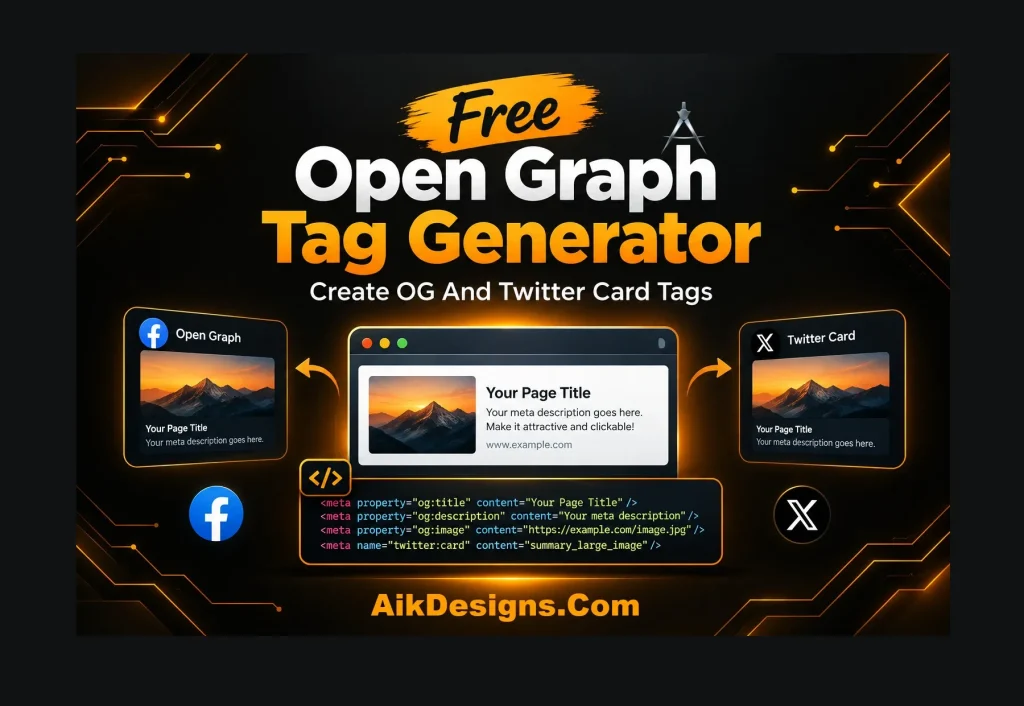
Free Open Graph Tag Generator
Want your pages to look good when shared on Facebook, LinkedIn, WhatsApp or X? This free Open Graph tag generator creates the OG and Twitter Card meta tags you need, ready to paste into your page head.
What Are Open Graph Tags?
Open Graph tags are meta tags that tell social platforms which title, description and image to show when someone shares your link. Without them, platforms guess, and the result is often a wrong image or a cut-off title. Twitter Card tags do the same job on X.
How To Use The Open Graph Tag Generator
- Enter your page title, description and full page URL.
- Add the full URL of your share image and your site name.
- Choose Website for normal pages or Article for blog posts.
- Click Generate Open Graph Tags and copy the code.
- Paste it between the opening and closing head tags of your page.
Open Graph Best Practices
- Use an image around 1200 x 630 pixels with the full https address.
- Keep the title short and the description under about 160 characters.
- Use the article type for blog posts and website for other pages.
- After publishing, refresh the preview with the Facebook Sharing Debugger if an old image still shows.
More Free SEO Tools
Try these tools next: Meta Tag Generator, Title And Meta Description Character Counter. You can also browse all our free SEO tools. If you want expert help with the rest of your site, see our on-page SEO services.
Frequently Asked Questions
Do Open Graph tags help SEO?
They are not a direct ranking factor, but a good preview can get more clicks and shares, which helps your content reach more people.
What size should my Open Graph image be?
Use about 1200 x 630 pixels. This size looks sharp on Facebook, LinkedIn and X.
Where do I paste Open Graph tags?
Paste them inside the head section of your page. In WordPress, SEO plugins such as Yoast SEO, All in One SEO and Rank Math add them for you.
Why does my shared link show an old image?
Platforms cache previews. Use the Facebook Sharing Debugger to fetch the page again.