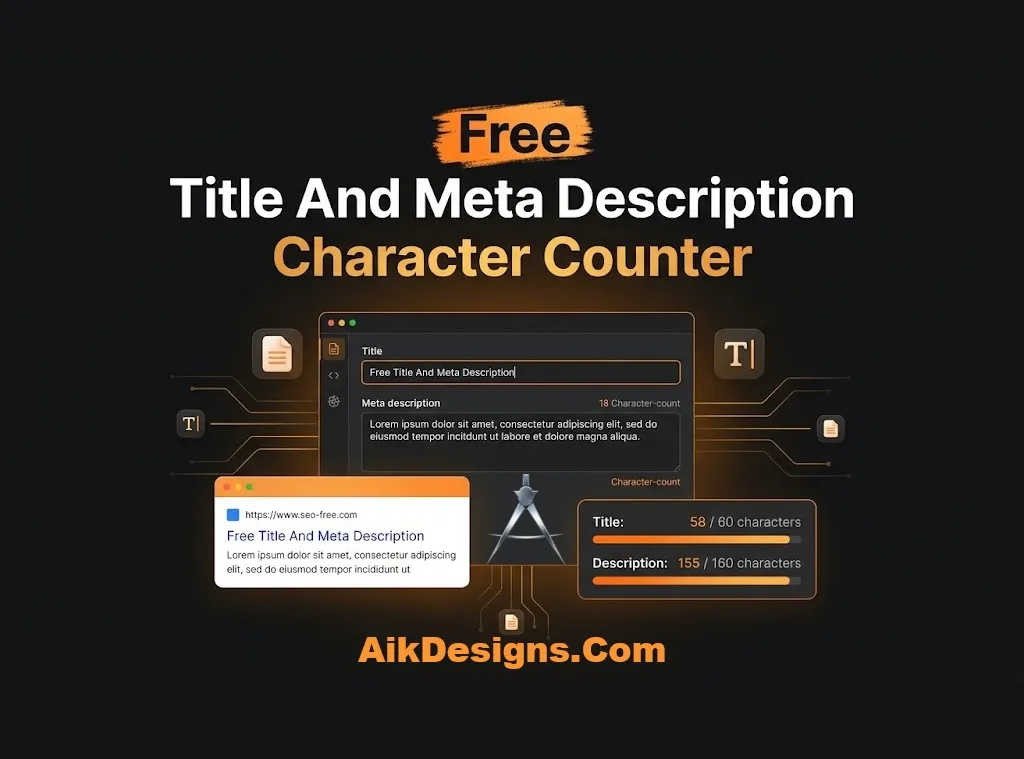
Free Title And Meta Description Character Counter
Check the length of your title tag and meta description with this free character counter. See a Google-style preview and fix text that is too long before you publish.
Why Title And Description Length Matters
Google shows a limited amount of text for each search result. Long titles and descriptions get cut off with dots, which can hide your key message. Google measures width in pixels, not characters, so a character count is a guide. Around 60 characters for titles and 160 for descriptions is a safe target.
How To Use The Character Counter
- Type or paste your title tag in the first box.
- Type or paste your meta description in the second box.
- Watch the counters. A red note means the text may be cut off.
- Edit until the preview looks clear and complete.
Title And Description Tips
- Put your main keyword near the start of the title.
- Write the description like a short ad that tells people why to click.
- Use a unique title and description on every page.
- Remember that Google may rewrite your description for some searches.
More Free SEO Tools
Try these tools next: Title Case Converter, Meta Tag Generator. You can also browse all our free SEO tools. If you want expert help with the rest of your site, see our on-page SEO services.
Frequently Asked Questions
What is the best length for a title tag?
Aim for about 50 to 60 characters so the full title shows in most search results.
What is the best length for a meta description?
Aim for about 150 to 160 characters. Longer text may be cut off.
Why does Google show a different title?
Google sometimes rewrites titles when it thinks another version fits the search better. A clear, accurate title makes this less likely.
Is the preview exactly what Google shows?
No. It is an approximation, because Google changes the layout and measures text in pixels.