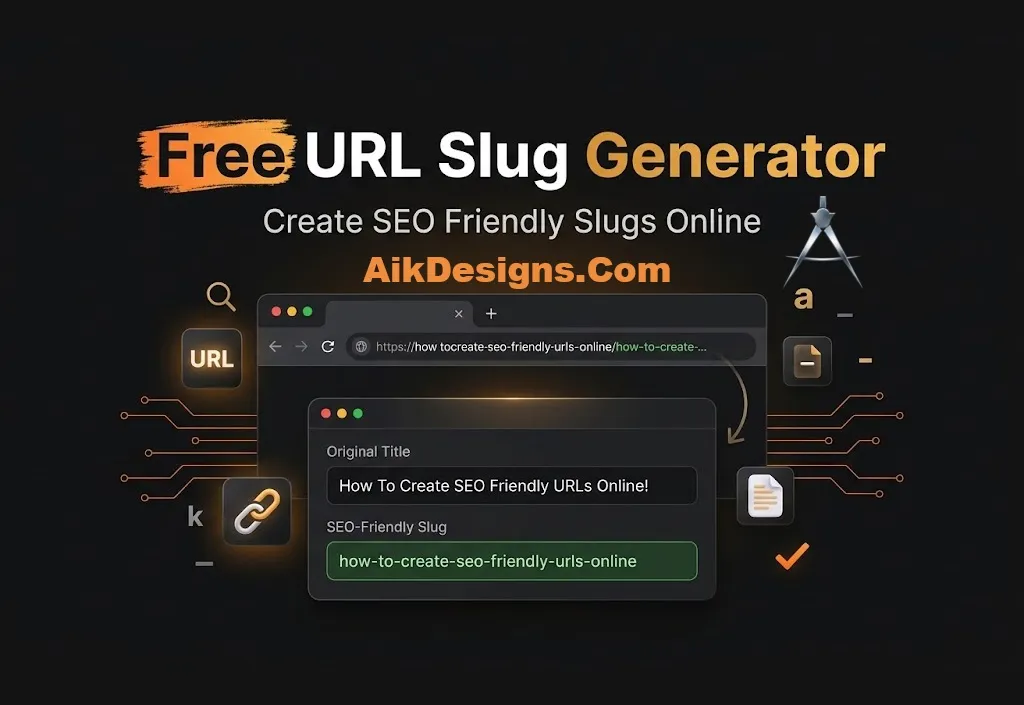
Free URL Slug Generator
Need a clean URL for your next post or page? This free URL slug generator turns any title into an SEO friendly slug. It removes special characters, adds hyphens and can drop stop words.
What Is A URL Slug?
A slug is the last part of a web address that identifies a page. In aikdesigns.com/blog/free-seo-tools/ the slug is free-seo-tools. A good slug is short, readable and describes the page.
How To Create An SEO Friendly Slug
- Type or paste your page title.
- Tick the stop words box if you want a shorter slug.
- Copy the slug and paste it into the permalink field of your page or post.
URL Slug Best Practices
- Use lowercase letters and hyphens between words.
- Include your main keyword.
- Keep it short and avoid years or dates so you can update the page later.
- Do not change the slug of a live page without a 301 redirect from the old address.
More Free SEO Tools
Try these tools next: Title Case Converter, Keyword Density Checker. You can also browse all our free SEO tools. If you want expert help with the rest of your site, see our on-page SEO services.
Frequently Asked Questions
Should I use hyphens or underscores in a slug?
Use hyphens. Google treats hyphens as word separators.
Should I include the year in a slug?
It is better not to. A slug without a year stays valid when you update the content.
Does this tool work with Urdu or Arabic text?
No. It keeps English letters and numbers only, so write the slug in English.
Can I change a slug later?
Yes, but add a 301 redirect from the old URL to the new one so you do not lose traffic or links.