Why Is My Phone Charging So Slowly? 10 Real Fixes
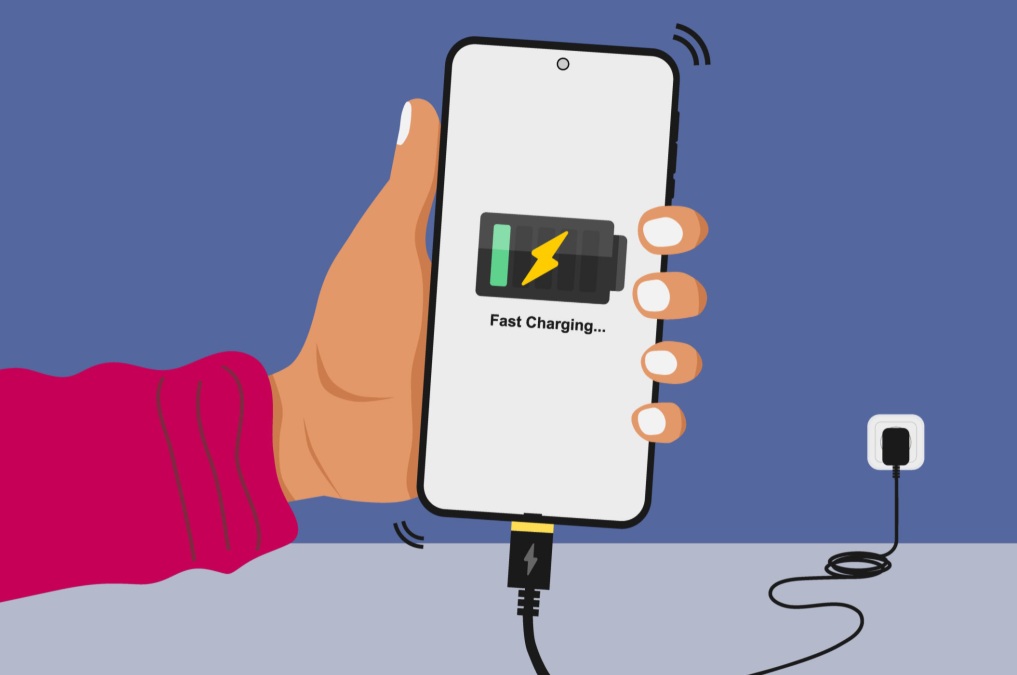
Slow charging is one of those problems that quietly gets worse over weeks until you notice your phone still isn’t full after two hours plugged in. The good news: most causes are simple, common, and fixable in minutes — it’s rarely the dramatic “battery is dying” scenario people assume first.
Here are the 10 most common real-world causes, in the order I’d check them.
- Who This Guide Is For
- 1. A Worn or Damaged Cable
- 2. A Low-Wattage or Incompatible Charger
- 3. A Dirty or Damaged Charging Port
- 4. Background Apps Draining Power While Charging
- 5. Using Your Phone While It Charges
- 6. Battery Wear (Ageing Battery)
- 7. Extreme Heat or Cold
- 8. Wireless Charger Misalignment
- 9. A Recent Software Update
- 10. A Weak Power Source
- Frequently Asked Questions
Who This Guide Is For
Who: Anyone whose phone is charging noticeably slower than it used to.
What: 10 real, common causes with practical fixes for each.
When: Whether it started suddenly or has crept up gradually.
Where: Works across iPhone and Android — the causes are largely universal.
Why: Most slow-charging problems are cheap or free to fix once you know the actual cause.
How: Work through the list in order — the first few causes solve the majority of cases.
1. A Worn or Damaged Cable
This is the single most common cause of slow charging. Cables get bent, pinched, and stepped on until internal wires fray, even if the outside looks fine. Try a different cable you know works — if charging speeds up, you’ve found your answer.
2. A Low-Wattage or Incompatible Charger
Not all chargers deliver the same power. Using an old 5-watt charger on a phone that supports 20-watt or 25-watt fast charging will always charge slowly, even with a perfect cable. Check your phone’s supported wattage and match your charger to it.
3. A Dirty or Damaged Charging Port
Lint and pocket dust build up in charging ports over time, blocking a full connection. Turn off your phone and gently clean the port with a dry, soft brush or a wooden toothpick — never anything metal or sharp.
4. Background Apps Draining Power While Charging
Apps syncing, downloading, or running location services in the background pull power at the same time your phone is trying to charge, which slows the net gain. Close unused apps or enable a “low power” or “airplane mode” setting while charging to speed things up.
5. Using Your Phone While It Charges
Gaming, video streaming, or navigation apps can draw more power than the charger is supplying, meaning the battery percentage barely moves — or even drops — despite being plugged in. Let it charge untouched when speed matters.
6. Battery Wear (Ageing Battery)
Lithium-ion batteries degrade with every charge cycle. Most phones intentionally reduce charging speed as the battery ages, to protect its remaining lifespan. Check your phone’s battery health setting (Settings > Battery on most devices) — below 80% health is a sign age is a real factor.
7. Extreme Heat or Cold
Phones deliberately throttle charging speed in very hot or very cold conditions to protect the battery from damage. If you’re charging in direct sunlight, a hot car, or near a heater, moving to a cooler spot often fixes it immediately.
8. Wireless Charger Misalignment
Wireless charging is highly sensitive to positioning. Even a slight misalignment between your phone and the charging coil can cut speed significantly. Also worth checking: a thick phone case can weaken the wireless connection enough to slow charging noticeably.
9. A Recent Software Update
Right after a major update, your phone runs background indexing and optimization tasks that compete with charging for power. This is temporary and usually resolves within a day or two on its own.
10. A Weak Power Source
Charging from a laptop USB port, a cheap power strip, or a car charger often delivers far less power than a wall outlet. If possible, plug directly into a wall socket for the fastest and most reliable charging speed.
Quick Reference: Cause vs Fix
| Cause | Fix |
|---|---|
| Worn cable | Replace with a known-working cable |
| Low-wattage charger | Match charger wattage to your phone’s spec |
| Dirty port | Clean gently with a dry brush |
| Background apps | Enable low power / airplane mode while charging |
| Ageing battery | Check battery health setting; consider replacement |
| Extreme temperature | Move to a cooler, shaded spot |
Frequently Asked Questions
Why has my phone suddenly started charging slower?
A sudden change usually points to a specific cause — a damaged cable, a dirty charging port, a recent software update running background processes, or a failing charger. Long-term gradual slowdown is more often battery wear.
Does using my phone while charging slow it down?
Yes, noticeably. Active use, especially gaming, video streaming, or GPS navigation, competes with the charging process for power and can slow charging speed significantly or even stop it from increasing at all.
Can a dirty charging port really cause slow charging?
Yes. Lint and dust in the port block a full connection between the cable and the pins, which limits how much power can pass through. Cleaning it gently with a dry brush or toothpick often restores normal speed.
Is it bad to use a third-party charger or cable?
Not necessarily, but cheap or uncertified cables and chargers often can’t deliver the full wattage your phone supports, which directly limits charging speed even if the cable appears to be working.
Does battery age affect charging speed?
Yes. Lithium-ion batteries naturally degrade over time, and most phones intentionally slow charging as the battery ages to protect its remaining lifespan and prevent overheating.
Why does my phone charge fast to 80% then slow down?
This is normal, intentional behavior. Most phones charge quickly up to around 80% and then deliberately slow down to protect long-term battery health — it isn’t a fault.
Can a software update cause slow charging?
Yes, temporarily. Right after an update, background indexing and optimization processes can run for a while and compete with charging power, usually resolving within a day or two.
Does cold or hot weather affect charging speed?
Yes. Most phones deliberately reduce charging speed in extreme heat or cold to protect the battery from damage, which can look like a sudden unexplained slowdown.
How do I know if the problem is my charger or my phone?
Test with a different known-working cable and charger on the same phone, and test your original charger on a different device. If the slowdown follows the phone, the issue is likely internal; if it follows the charger, the charger is at fault.
Should I worry if my phone charges slowly all the time?
If you’ve ruled out cable, charger, port, and background app causes and the phone is more than 2 years old, it’s likely battery wear — worth checking your phone’s battery health setting before assuming it needs a repair.
Also Read: How To Fix Phone Screen Unresponsive Touch
Final Thoughts
Slow charging almost always has a specific, fixable cause — start with the cable, charger, and port before assuming your battery is dying. Work through the list in order and you’ll likely find the answer within the first three or four checks.
Looking for more no-nonsense tech troubleshooting guides? Browse more posts on the Aik Designs Blog.
About Author