Magic Hour AI: Everything You Need To Know
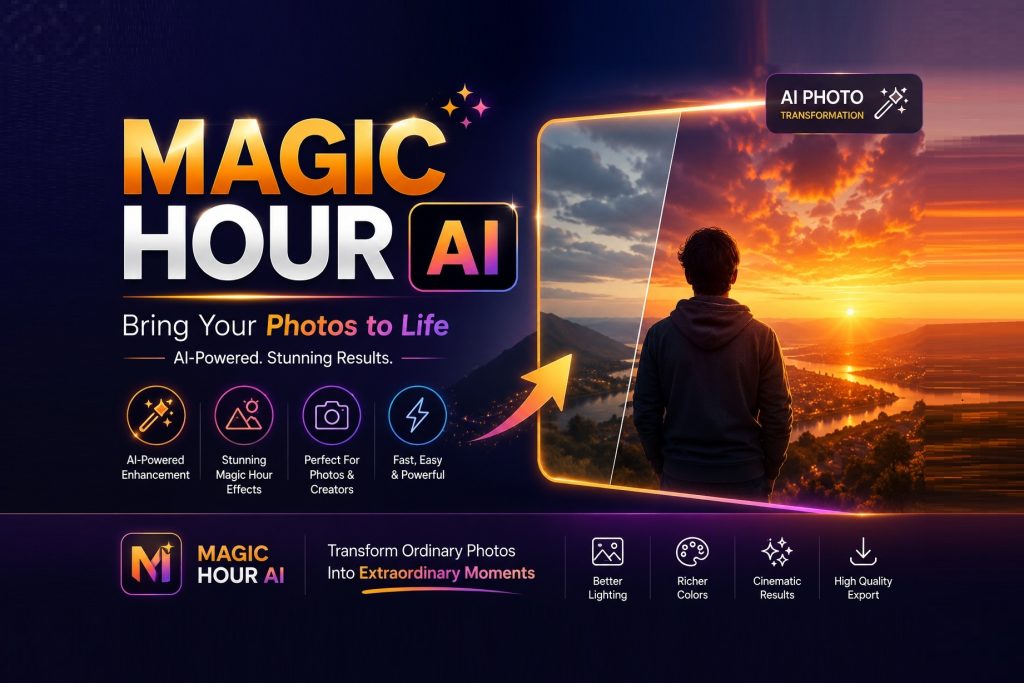
Magic Hour AI: Features, Uses, Benefits, And How It Works
Artificial intelligence has changed how people create videos, images, voiceovers, and digital content. Tasks that once required professional editing software and hours of manual work can now be completed much faster with AI-powered creative tools. Magic Hour AI is one platform built around this new approach to content creation.
Magic Hour AI is a browser-based creative platform that combines AI video, image, and audio tools in one place. Its current platform includes more than 30 tools covering tasks such as text-to-video generation, image-to-video animation, face swapping, lip syncing, AI image generation, image editing, voice generation, and voice cloning. Because the tools operate through a web browser, users do not need to install traditional desktop editing software to start experimenting with them.
For creators, marketers, small businesses, and people experimenting with generative AI, Magic Hour provides a relatively simple way to produce different types of media from prompts, photos, videos, and audio. Discover how viral videos gain attention across Google and social media.
What Is Magic Hour AI?
Magic Hour AI is an online AI content creation platform focused primarily on generating and transforming visual and audio media.
Instead of providing only one AI generator, the platform combines multiple specialized tools. Users can generate new content from text or modify existing images, videos, and audio just like Remaker Ai Face Swap website.
Some of the major categories available through Magic Hour include:
- AI video generation
- Text-to-video
- Image-to-video
- Video-to-video transformation
- Face swap
- AI lip sync
- AI image generation
- AI image editing
- Image upscaling
- AI headshots
- Voice generation
- Voice cloning
- Voice changing
- AI music generation
Magic Hour currently describes its platform as offering more than 30 AI tools for video, image, and audio creation.
This all-in-one approach can be useful for someone who would otherwise need several separate AI services to complete a project.
Also Read: Synthesia Ai Review
How Does Magic Hour AI Work?
The exact workflow depends on which tool you choose, but Magic Hour generally simplifies AI creation into a few basic steps.
First, choose the type of content you want to create. For example, you may select the AI image generator, image-to-video generator, or text-to-video tool.
Next, provide the required input. This might be a written prompt, an uploaded photograph, an existing video, or another media file.
For prompt-based tools, the quality of your instructions can influence the output. Adding information about the scene, subject, lighting, movement, visual style, and camera direction can help the AI understand the intended result.
Magic Hour’s text-to-video interface, for example, encourages users to describe elements such as the scene, camera movement, lighting, mood, style, and subject.
The AI then processes the request and produces media that can be reviewed and, depending on the tool and plan, exported or refined.
Magic Hour AI Video Generator
Video generation is one of the platform’s main areas.
Magic Hour provides several approaches to AI video creation rather than limiting users to a single generator.
Magic Hour AI Text to Video
The text-to-video tool creates video clips from written prompts.
A user might describe something such as a futuristic city at night, a cinematic product shot, or a peaceful landscape. The AI then interprets the description and creates a video based on it.
Magic Hour currently supports browser-based ai text to video generation and allows users to choose from different AI models and options depending on availability and account level.
This technology can be useful for social posts, creative concepts, advertisements, storytelling, and visual experimentation.
Magic Hour AI Image to Video
The image-to-video generator adds movement to a static picture.
You upload an image and can provide instructions describing the desired movement. Magic Hour then generates an animated video from the original image.
According to Magic Hour, the tool can be used with portraits, product photographs, landscapes, illustrations, and AI-generated images.
For example, a business could start with a product image and create a short motion clip without filming a completely new video.
Magic Hour AI Video to Video
Video-to-video AI takes existing footage and transforms its visual appearance or style.
This is useful when creators already have the motion they want but would like AI to change the visual presentation.
Magic Hour AI Image Tools
Magic Hour is not limited to video.
Its image tools allow users to generate new pictures or modify existing ones.
Magic Hour AI Image Generator
The AI image generator creates pictures from text instructions. Users describe the type of image they want, and AI produces a visual interpretation.
Magic Hour also supports workflows where a generated image can later be converted into a video, making it possible to move from an idea to a still image and then into motion content within the same ecosystem.
Magic Hour AI Image Editor
The AI image editor uses natural-language instructions to modify photographs.
Instead of performing every change manually through layers, masks, and adjustment tools, users can describe the change they want the AI to make.
Magic Hour states that its image editor operates in the browser and can be used without installing editing software.
This may be useful for producing creative variations, modifying compositions, changing visual elements, or preparing marketing assets.
Magic Hour AI Face Swap
Another notable Magic Hour feature is its AI face swap technology.
It supports face-swapping workflows involving photos and video. The availability of free generations and specific output options depends on the tool being used and the current account level.
Magic Hour’s current photo face-swap page says visitors can perform a limited number of free photo swaps without signing up.
Face-swap technology should always be used responsibly. Users should have appropriate permission before using another person’s likeness and should avoid creating deceptive, harmful, or misleading material.
Magic Hour AI Audio Tools
Magic Hour has expanded beyond visual generation into audio.
Its tool collection currently lists features including:
- Voice Generator
- Voice Cloner
- Voice Changer
- AI Music Generator
- Video-to-Audio
Having audio and video creation available on the same platform can simplify workflows for creators producing social videos, advertisements, presentations, and other multimedia projects.
As with face-related AI tools, voice cloning should be used only when the user has appropriate rights or permission to reproduce a person’s voice.
Who Can Use Magic Hour AI?
Magic Hour can serve different types of creators.
Social Media Creators
Creators can turn ideas, photographs, or prompts into short visual content for platforms such as TikTok, Instagram, YouTube Shorts, and other social networks.
Marketing Teams
Businesses may use AI-generated visuals to experiment with advertising concepts, product demonstrations, promotional assets, and multiple creative variations.
Magic Hour itself highlights ad creative testing and marketing content among the potential applications for its AI video tools.
Small Businesses
Small businesses without dedicated design or video-production teams may find AI tools useful for rapidly producing basic creative assets.
Designers and Video Editors
AI does not necessarily replace traditional editing. Designers can instead use it during brainstorming, prototyping, background generation, concept development, and other stages of production.
Is Magic Hour AI Free?
Magic Hour currently provides free access to parts of its platform, although limits vary by tool.
For example, its current image-to-video and text-to-video pages advertise limited daily generations without requiring an account. Additional capabilities, longer outputs, premium models, greater resolutions, and larger usage allowances are available through paid options.
The company’s pricing information currently lists paid plans beginning at $10 per month when billed annually, although pricing, credit allocations, and feature limits can change over time.
Therefore, anyone considering a paid subscription should check the current pricing page before purchasing.
Advantages of Magic Hour AI
A major advantage is convenience. Video, image, and audio tools are available from one browser-based platform.
Another benefit is accessibility. Users who are unfamiliar with complex video-editing programs can create basic AI content through prompts and simple uploads.
It can also speed up experimentation. A marketer, for instance, could create several creative concepts without filming every variation from scratch.
However, AI-generated results are not guaranteed to be perfect. Complex scenes, realistic human movement, facial consistency, text rendering, or precise visual details may sometimes require repeated generations or additional editing.
Final Thoughts
Magic Hour AI is a broad generative-media platform aimed at making AI-powered video, image, and audio creation easier to access.
Its collection of more than 30 tools includes text-to-video, image-to-video, image generation, image editing, face swapping, lip syncing, voice tools, and other creative features.
The platform can be especially useful for creators, marketers, designers, and businesses that want to experiment quickly without building every asset manually.
At the same time, AI content still benefits from human review. Accuracy, visual quality, copyright considerations, consent, and authenticity should all be checked before AI-generated media is published professionally.
Also Review: Prompt Seen Viral AI Photo Prompt
Frequently Asked Questions About Magic Hour AI
What is Magic Hour AI used for?
Magic Hour AI is used to generate and edit videos, images, and audio using artificial intelligence. Its tools include text-to-video, image-to-video, AI image generation, face swapping, image editing, voice generation, and other creative features.
Is Magic Hour AI free?
Yes, Magic Hour provides free access to certain tools and limited generations. Usage limits vary depending on the feature, while paid plans provide additional credits, capabilities, or premium options.
Do I need to download Magic Hour AI?
No. Magic Hour is browser-based, so its main creative tools can be accessed online without installing conventional desktop software.
Can Magic Hour turn an image into a video?
Yes. Its image-to-video feature allows users to upload a static image, describe desired motion, and generate a short animated video.
Can Magic Hour generate videos from text?
Yes. The text-to-video tool converts written prompts into video clips and supports controls such as scene description, mood, style, and camera movement.
Does Magic Hour include AI image generation?
Yes. Magic Hour provides an AI image generator as well as additional image tools for editing, upscaling, headshots, background-related work, and other transformations.
Is Magic Hour AI suitable for beginners?
It can be. Many of its workflows revolve around selecting a tool, uploading media or entering a prompt, and generating the result, making it more accessible than complex traditional editing software for basic AI-generation tasks.
Can Magic Hour AI be used for commercial content?
It can support marketing and commercial creative workflows, but users should verify the current licensing and usage terms for their plan and ensure they have appropriate rights to any source images, videos, voices, music, or likenesses used in their projects.
About Author